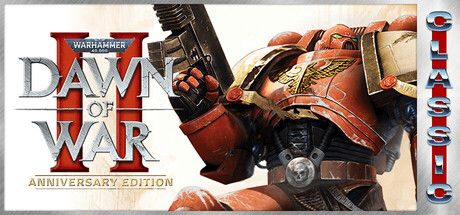

Warhammer 40,000: Dawn of War II
Warhammer 40,000: Dawn of War II official Steam key. Squad-based tactical combat, a cover system, and hero progression. Digital key delivered to your email.
Steam Key
19


Customer reviews
Reviews are not translated into English yet — we are adding translations.
System requirements
Minimum
- Processor
- P4 3.2 GHz (single core) or any Dual Core processor
- Memory
- 1 GB RAM (XP), 1.5 GB RAM (Vista)
- Graphics card
- A 128MB Video Card (Shader Model 3) - Nvidia GeForce 6600 GT / ATI X1600, or equivalent
- Storage
- 6.5 GB of uncompressed Hard Drive space
Recommended
- Processor
- AMD Athlon 64x2 4400+ or any Intel Core 2 Duo
- Memory
- 2 GB RAM (XP and Vista)
- Graphics card
- A 256MB Video Card (Shader Model 3) - Nvidia GeForce 7800 GT / ATI X1900, or equivalent
- Storage
- 6.5 GB of uncompressed Hard Drive space
Source: Steam · updated October 7, 2026
War in the Aurelia Sub-Sector
Warhammer 40,000: Dawn of War II is a real-time tactical strategy game with RPG elements from Relic Entertainment, released in February 2009 (published by THQ). In the single-player campaign you command the Space Marines of the Blood Ravens chapter and defend the Aurelia sub-sector against invading Orks, Eldar, and swarming Tyranids. Each mission is a carefully considered fight with a small squad of heroes rather than mass army production.
Tactics Over Numbers
Unlike classic RTS games, there is almost no base building here. The focus is on squad control: you use cover, flank the enemy, suppress them with fire, and pick the right gear. Your fighters gain experience, level up their skills, and collect looted equipment, turning from rank-and-file marines into seasoned veterans. Online battles feature the Space Marines, Orks, Eldar, and Tyranids, each with its own playstyle and signature moves.
How to Buy and Receive Your Key
Buy at Ashop using any convenient payment method. The digital key is delivered to your email. Activate it in the Steam client: Games → Activate a Product on Steam. If the key does not work, a refund is possible before activation — reach out to support at @ashop_support.