
Buy Overwatch Coins top-up at the best price
Top up Overwatch Coins with instant delivery to your account. The available payment methods are shown at checkout. 24/7 support via Telegram.


Customer reviews
Reviews are not translated into English yet — we are adding translations.
System requirements
Minimum
- OS
- Windows® 10 64-bit (latest Service Pack)
- Processor
- Intel® Core™ i3 or AMD Phenom™ X3 8650
- Memory
- 6 GB RAM
- Graphics card
- NVIDIA® GeForce® GTX 600 series, AMD Radeon™ HD 7000 series
- DirectX
- Version 11
- Storage
- 50 GB available space
Recommended
- OS
- Windows® 10 64-bit (latest Service Pack)
- Processor
- Intel® Core™ i7 or AMD Ryzen™ 5
- Memory
- 8 GB RAM
- Graphics card
- NVIDIA® GeForce® GTX 1060/ GeForce® GTX 1650 or AMD R9 380/AMD RX 6400 or Intel® Arc™ A770
- DirectX
- Version 11
- Storage
- 50 GB available space
Source: Steam · updated October 25, 2026
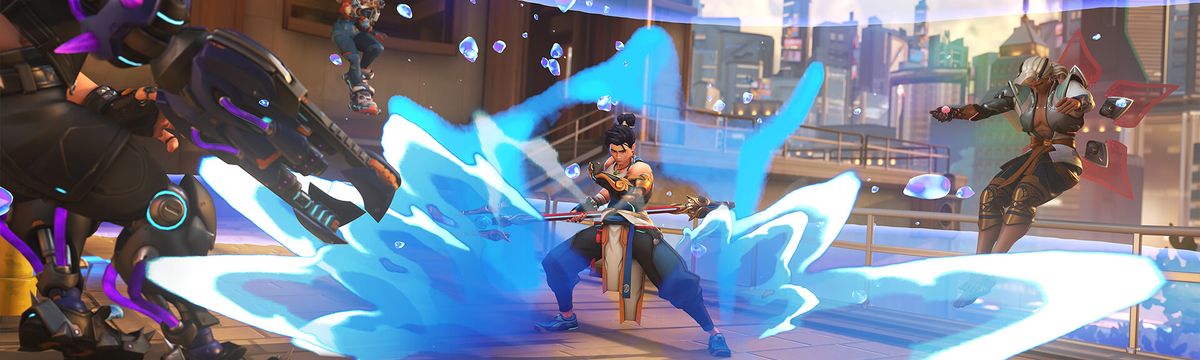
Jump into Overwatch 2 — the team-based hero shooter from Blizzard Entertainment that has drawn millions of players worldwide. It's a free-to-play title built around fast, tactical 5v5 battles, where coordination and smart ability use decide every fight.
With a roster of 40+ heroes spread across the Tank, Damage, and Support roles, you can find a playstyle that fits you and switch things up match to match. Battles play out on a wide range of maps inspired by real cities and cultures, each with its own objective and flow.
What you get with Overwatch Coins
Because Overwatch 2 is free to play, the game itself doesn't need a purchase key. Where real money comes in is Overwatch Coins, the in-game currency used to unlock content. Spend them on the premium Battle Pass each season or pick up skins, emotes, and other cosmetics from the in-game shop.
Topping up your balance is the simplest way to grab the Battle Pass on day one or claim a skin you've had your eye on, without waiting to earn coins slowly through play. Your purchase covers cosmetic and pass content only and does not affect gameplay balance.
Choose your Overwatch Coins amount, complete payment, and the top-up is delivered to your account on Ashop right after confirmation. Ready to refresh your loadout? Top up now and gear up for the next season.